
The short answer
- NVMe SSDs connect over PCI Express and handle far more simultaneous requests than SATA SSDs.
- For small, cached business sites, the difference is rarely noticeable.
- Caching, CPU and memory limits, the web server and page weight usually matter more.
- NVMe helps most on busy, database-heavy sites such as large online stores.
Hosting companies increasingly advertise “NVMe hosting” as the faster option. NVMe drives really are faster than older SATA SSDs. Whether that makes your website noticeably faster depends on what’s actually slowing it down. Here’s what the difference means in practice.
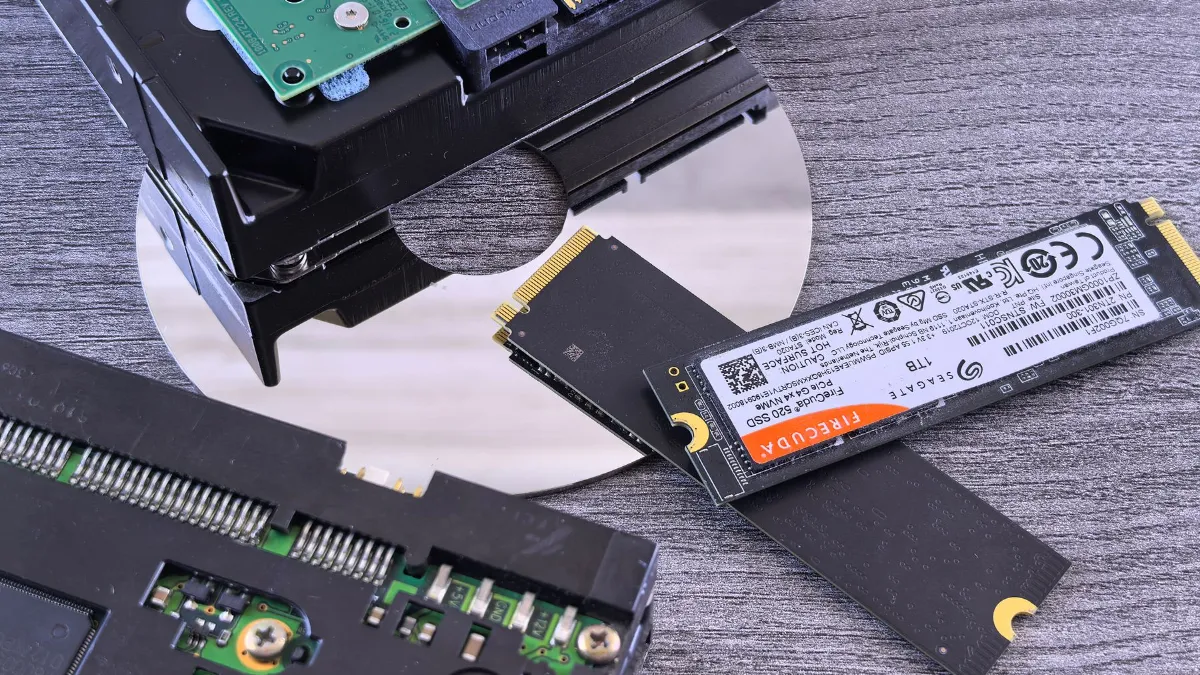
SSD, SATA and NVMe explained
- HDD: traditional spinning hard drives. Slow for websites; rarely used for web hosting today.
- SATA SSD: solid-state drives connected through the older SATA interface, which was designed for hard drives.
- NVMe SSD: solid-state drives connected directly over PCI Express, using the NVMe interface designed for flash storage.
The key technical difference is how many requests the drive can handle at once. According to NVM Express, the organisation behind the standard, NVMe supports up to 64K queues with 64K commands each, while SATA has a single queue of up to 32 commands. On a busy server with many websites making requests at the same time, that helps.
Does NVMe make a website faster?
Storage is only one part of how long a page takes to load. Google’s guidance on Time to First Byte (TTFB), the time until the server starts sending the page, treats 0.8 seconds or less as good. TTFB includes DNS lookup, connecting, and the server building the page, not just reading from disk.
For a typical business website, these usually matter more than the drive type:
- Caching: serving ready-made pages avoids most database and disk work.
- CPU and memory limits on your hosting account.
- Web server software, such as LiteSpeed with its caching plugin.
- PHP version and well-built themes and plugins.
- Page weight: image sizes and scripts, which affect everything after the first byte.
NVMe helps most on database-heavy sites: large online stores, membership sites and busy forums, where many uncached requests hit the disk.
SATA SSD vs NVMe at a glance
| SATA SSD | NVMe SSD | |
|---|---|---|
| Interface | SATA (designed for hard drives) | PCI Express |
| Command queues | 1 queue, up to 32 commands | Up to 64K queues, 64K commands each |
| Noticeable for small cached sites | Rarely | Rarely |
| Noticeable for busy, database-heavy sites | Can be a bottleneck | Yes, often |
What to look for when choosing hosting
Treat NVMe as one plus point, not the deciding factor. Ask about CPU and memory limits, caching, the web server, backups, support and uptime. Then test: check your site’s TTFB and Core Web Vitals in PageSpeed Insights before and after a move. Read why fast hosting matters and website speed optimisation.
Our hosting plans use SSD storage, with cPanel and free SSL, from KES 3,000 per year. See our hosting plans.
Frequently asked questions
Is NVMe hosting faster than SSD hosting?
NVMe drives are faster than SATA SSDs, but for small cached websites the difference in page load time is usually small.
What makes hosting fast?
Caching, enough CPU and memory, a fast web server, a current PHP version and lightweight pages.
What is a good TTFB?
Google’s web.dev guidance treats 0.8 seconds or less as good and over 1.8 seconds as poor.
Should I switch hosts just for NVMe?
Only if your site is database-heavy and slow despite caching. Test before and after.
Sources
Facts checked on 4 November 2026. Prices and rules change; confirm current details with the provider or regulator.
About the author. John Kariuki is the founder of Kenya Website Designers in Nairobi. He builds business websites, online stores with M-Pesa payments and custom web systems, and manages domains and hosting for Kenyan businesses.