
The short answer
- Weekly: check the site, forms, orders, security alerts and the latest backup.
- Monthly: update WordPress, plugins and themes; check speed, links, Search Console and user accounts.
- Quarterly: test a backup restore, refresh content and check PHP versions.
- Yearly: renew domain, hosting and licences; review legal pages and passwords. Follow the 3-2-1 backup rule.
A website is never "finished". Software needs security updates, backups need testing, forms quietly stop working, and content goes out of date. A simple maintenance routine prevents most of the emergencies we're called in to fix: hacked sites, expired domains, broken checkouts and lost email.
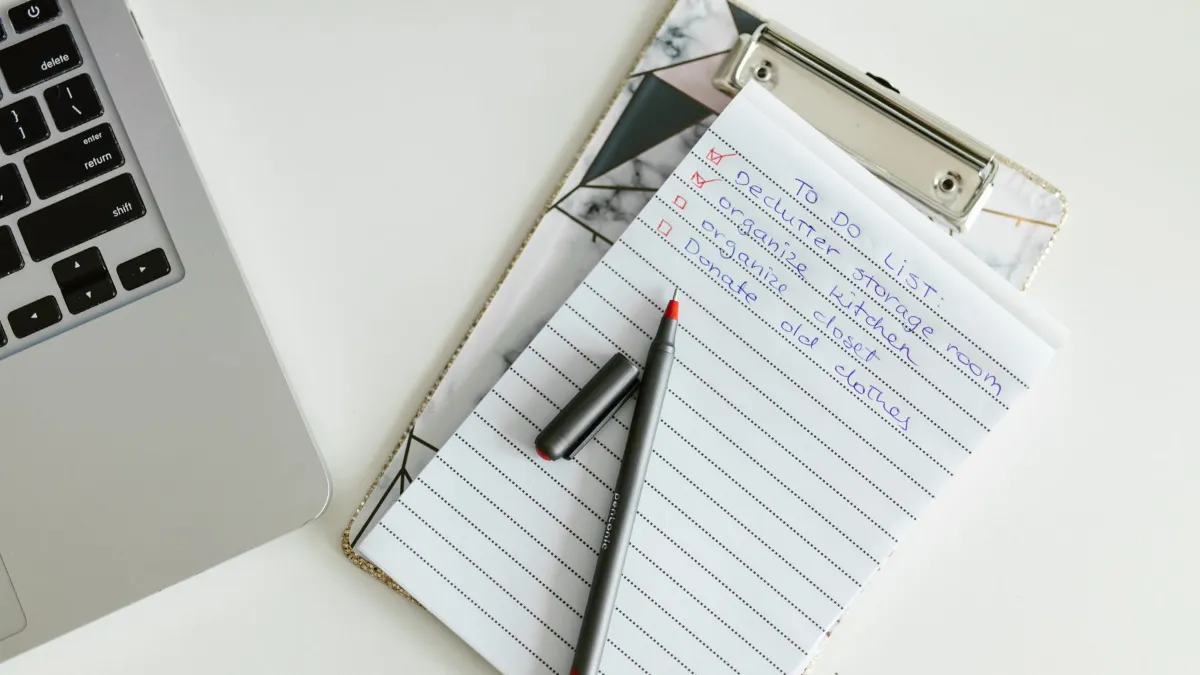
Use this checklist for a WordPress business website or online store. It's split into weekly, monthly, quarterly and yearly tasks, so you can do it yourself or hand it to a maintenance provider.
Why maintenance matters
WordPress's own security guidance is blunt: older versions aren't maintained with security fixes, and once a fix is released, details of the vulnerability become public, so unpatched sites become easy targets. The same applies to plugins and themes. Since WordPress 3.7, minor core releases update automatically, but major releases, plugins and themes usually still need someone to update and test them.
Weekly tasks
- Check the site loads on a phone and on a computer, including the home page, a service page and the contact page.
- Test the contact form and WhatsApp button. Send a test enquiry and confirm it arrives.
- For online stores, place a test order or review recent orders for payment or stock problems.
- Review security alerts from your security plugin or host.
- Confirm the latest backup ran.
Monthly tasks
- Update WordPress, plugins and themes, ideally after a fresh backup and on a staging copy first for big updates (updating plugins safely).
- Remove unused plugins and themes. WordPress recommends removing what you don't use.
- Check speed with PageSpeed Insights and fix any new issues (speed guide).
- Scan for broken links and 404 errors (fixing broken links).
- Review Google Search Console for indexing errors and security issues.
- Check uptime reports (downtime monitoring).
- Review user accounts and remove access for former staff or contractors.

Quarterly tasks
- Test a backup restore, not just the backup itself. A backup you can't restore is not a backup.
- Update content: prices, services, team, opening hours, photos and blog posts (how often to update).
- Check PHP version against WordPress's recommended requirements (currently PHP 8.3 or greater).
- Review analytics and enquiries: which pages bring leads, which don't.
- Check mailbox usage so email doesn't stop when storage fills up.
Yearly tasks
- Renew the domain and hosting on time, with auto-renewal on (what happens when a domain expires, when hosting expires).
- Renew premium plugin and theme licences so you keep getting updates.
- Review legal pages: privacy policy and terms (legal pages for Kenyan websites).
- Change key passwords and confirm two-factor login on admin accounts.
- Do a full review: is the design, content and structure still right for the business? (signs you need a redesign)
Backups: follow the 3-2-1 rule
The US Cybersecurity and Infrastructure Security Agency recommends the 3-2-1 rule: keep three copies of important data, on two different types of storage, with one copy off-site. For a website, that usually means your host's backups, an automatic off-site backup (for example to cloud storage), and a copy you download periodically. Our guide to backing up your website properly explains how.
Basic security settings to check once
- HTTPS on every page with a valid SSL certificate.
- Strong, unique passwords and two-factor login for administrators.
- Limited login attempts and no "admin" username.
- A security plugin or host-level firewall and malware scanning.
- File editing disabled in the dashboard for non-developers.
For the threats behind these steps, read why Kenyan websites get hacked.
Do it yourself or hire someone?
A small brochure site can be maintained in-house if someone is responsible for it and follows the checklist. Online stores and sites that generate leads every day are usually better on a maintenance plan, because an update that breaks checkout costs more than the plan. We cover the trade-offs in how maintenance protects your business.
Next steps
Print this checklist, assign each task to a person, and set calendar reminders. If you'd rather have it handled, our website maintenance service covers updates, backups, security monitoring and content changes.
Frequently asked questions
How often should a WordPress website be updated?
Check for updates at least monthly, and apply security updates promptly. WordPress applies minor core releases automatically; major releases, plugins and themes need checking.
What is the 3-2-1 backup rule?
Keep three copies of your data, on two types of storage, with one copy off-site, as recommended by CISA.
Does my host’s backup count?
It is one copy. Keep at least one more off-site backup you control, and test restoring it.
Do small websites need maintenance?
Yes. Even small sites run software that needs security updates, and forms or email can stop working without anyone noticing.
What does a maintenance plan include?
Typically updates, backups, security monitoring, uptime checks, small content changes and help when something breaks.
Sources
- WordPress: Hardening WordPress
- WordPress: Upgrading WordPress (automatic background updates)
- WordPress.org: Requirements
- CISA: Back up business data (3-2-1 rule)
Facts checked on 4 November 2026. Prices and rules change; confirm current details with the provider or regulator.
About the author. John Kariuki is the founder of Kenya Website Designers in Nairobi. He builds business websites, online stores with M-Pesa payments and custom web systems, and manages domains and hosting for Kenyan businesses.