
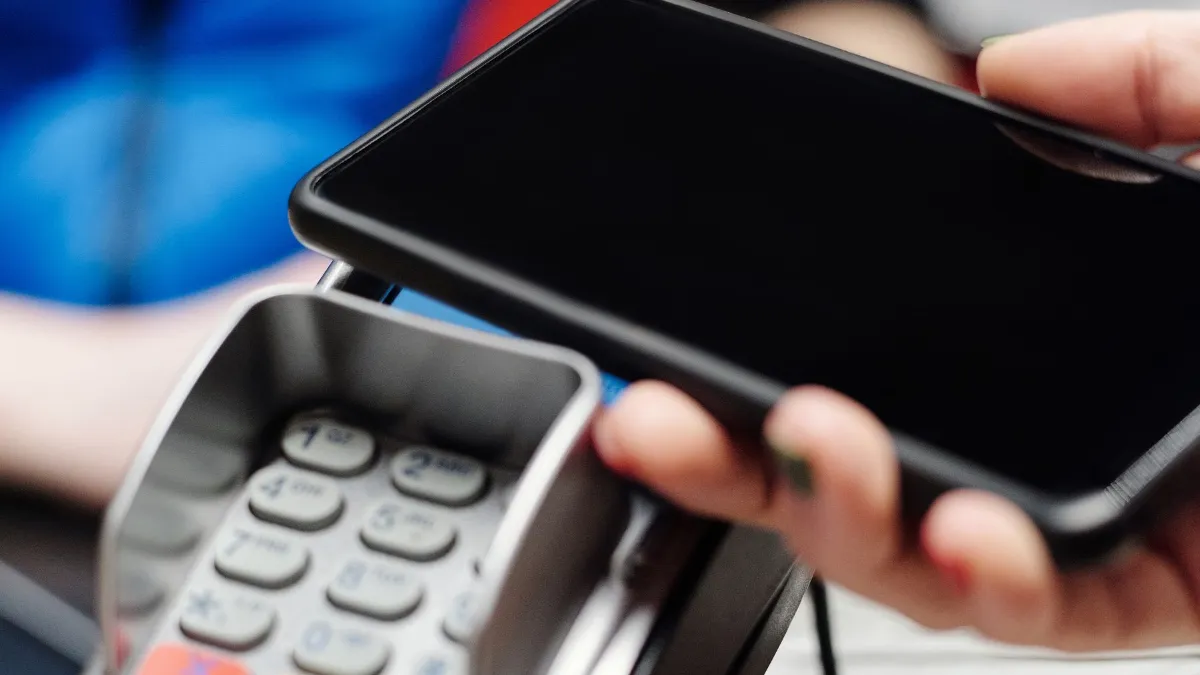
The short answer
- Manual Paybill/Till: quickest to start, but you confirm payments by hand.
- Gateway plugin (e.g. Pesapal, IntaSend): automatic confirmation, cards too. Best for most stores.
- Direct Daraja: most control, needs a developer.
- Shopify Payments isn’t available in Kenya, so Shopify stores use third-party payment apps.
In Kenya, an online store without M-Pesa loses customers at the last step. The Communications Authority of Kenya counted 54.0 million mobile money subscriptions in its latest quarterly report, so most of your customers will expect to pay with M-Pesa.
There are three ways to accept M-Pesa on an ecommerce website. They differ in cost, effort and how much of the process is automatic. This guide compares them so you can pick the right one for your store.
The three ways to accept M-Pesa online
1. Manual Paybill or Till
Show your Paybill or Till number at checkout. The customer pays from their phone, and you confirm each payment by hand before dispatching.
2. Payment gateway plugin
A licensed gateway such as Pesapal or IntaSend connects M-Pesa (and usually cards) to your store, and orders update automatically.
3. Direct Daraja integration
A developer connects your store straight to Safaricom’s Daraja APIs. Most control, but more technical work and maintenance.
Option 1: Manual Paybill or Till number
This is the quickest start. The customer places an order, sees your Paybill (with an account number such as the order number) or Till number, and pays from the M-Pesa menu. You then match the M-Pesa message to the order. Safaricom explains the difference between Paybill and Buy Goods payments online.
Good for: new stores with a few orders a day. Downsides: manual checking, mistakes with account numbers, and slower dispatch. Our step-by-step guide shows how to add a Paybill to your website without coding.
Option 2: A payment gateway plugin
Gateways handle the connection to M-Pesa and card networks for you. The customer chooses M-Pesa at checkout, gets a payment prompt on their phone, enters their PIN, and the order is marked as paid automatically.
- Pesapal offers a free WooCommerce plugin, and is listed in the Central Bank of Kenya’s directory of authorised payment service providers.
- IntaSend offers a WooCommerce plugin and an app for Shopify for M-Pesa and card payments.
Setup usually means opening a business account with the gateway, installing the plugin, adding your API keys, testing in sandbox mode, then going live. Gateways charge transaction fees, so compare their current pricing pages before you choose.
Good for: most online stores. Payments are confirmed automatically, and you can accept cards as well.
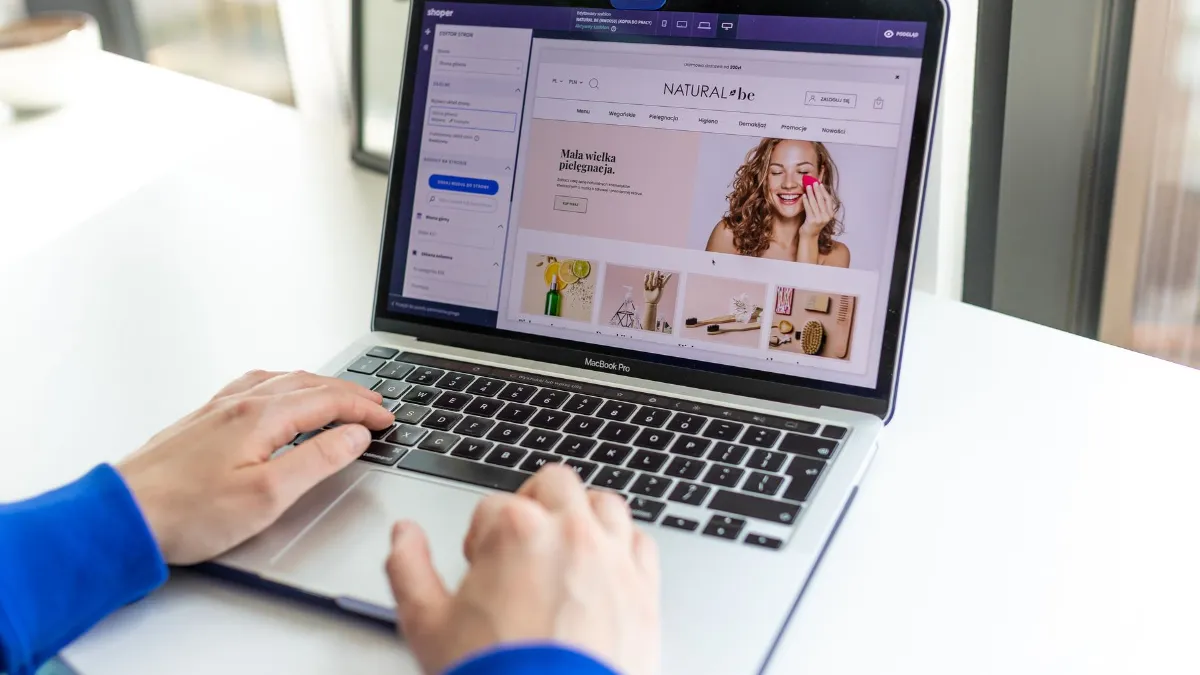
Option 3: Direct integration with Safaricom Daraja
Daraja is Safaricom’s developer platform for M-Pesa APIs. A direct integration typically uses M-Pesa Express (often called STK Push), which sends the payment prompt to the customer’s phone, plus a callback that tells your store whether the payment succeeded. In November 2025, TechCabal reported that Safaricom had upgraded the platform to Daraja 3.0, with a redesigned sandbox for testing.
According to developers who have done it, going live involves testing in the sandbox, submitting a go-live request for your Paybill or Till, and swapping in production credentials. Check the Daraja portal for the current process.
Good for: custom systems, high volumes, or features a plugin can’t provide, such as automatic refunds or linking payments to an ERP. It needs a developer to build and maintain it. See our guide to custom web development in Kenya.
Which option should you choose?
| Manual Paybill/Till | Gateway plugin | Direct Daraja | |
|---|---|---|---|
| Payment confirmation | Manual | Automatic | Automatic |
| Cards too | No | Usually | No (M-Pesa only) |
| Setup effort | Low | Medium | High |
| Ongoing costs | M-Pesa charges | Gateway fees | Developer maintenance |
| Best for | Very small stores | Most stores | Custom systems |
M-Pesa on WooCommerce and Shopify
WooCommerce has the widest choice: gateway plugins from Pesapal and IntaSend, and community M-Pesa plugins. Shopify works through third-party payment apps, because Shopify Payments isn’t available in Kenya, and Shopify charges an extra transaction fee when you use a third-party provider. Our comparison of WooCommerce vs Shopify in Kenya covers this in detail.
Make the M-Pesa checkout easy
- Show M-Pesa as the first or default payment option.
- Ask for the phone number in the format the gateway expects, and show an example.
- Tell customers what happens next: “Check your phone and enter your M-Pesa PIN.”
- Handle failed or cancelled payments with a clear retry button.
- Send an order confirmation by email or SMS as soon as payment succeeds.
A smooth checkout reduces abandoned orders (see how to reduce cart abandonment). If you sell online, also read accepting online payments legally in Kenya.
What does it cost?
Our ecommerce packages start from KES 45,000 and include payment integration with M-Pesa and other options such as Pesapal, IntaSend and PayPal. Gateway transaction fees and Safaricom charges are separate and set by those providers. A direct Daraja integration is quoted as custom work.
Frequently asked questions
What is the easiest way to accept M-Pesa on a website?
Displaying your Paybill or Till number at checkout is easiest, but you have to confirm payments manually. A gateway plugin automates confirmation.
What is STK Push?
It is the common name for M-Pesa Express: the customer receives a payment prompt on their phone and enters their PIN to pay.
Can I accept M-Pesa on Shopify?
Yes, through third-party payment apps such as IntaSend. Shopify Payments isn’t available in Kenya, and Shopify charges a transaction fee on third-party providers.
Do I need a Paybill or a Till?
Either works. A Paybill lets customers enter an account number such as the order number, which makes matching payments easier.
Do I need a developer?
Not for a manual Paybill or most gateway plugins. A direct Daraja integration needs a developer.
Sources
- Safaricom: Paying to businesses and online
- Safaricom Daraja developer portal
- TechCabal: Safaricom overhauls M-Pesa API platform (Nov 2025)
- Pesapal: M-Pesa WooCommerce integration
- IntaSend: WooCommerce plugin
- Shopify App Store: IntaSend Payments
- Shopify Help: Shopify Payments supported countries
- Communications Authority of Kenya: Sector statistics
Facts checked on 4 November 2026. Prices and rules change; confirm current details with the provider or regulator.
About the author. John Kariuki is the founder of Kenya Website Designers in Nairobi. He builds business websites, online stores with M-Pesa payments and custom web systems, and manages domains and hosting for Kenyan businesses.